WhatsMyName App Web Version. Use It Free in Your Browser
Use WhatsMyName App directly in your browser with no install and no signup. The web version checks 732 platforms instantly. Here is how it works.
By Ayan Malik · Builder and writer, WhatsMyName App
WhatsMyName App web version is a free, browser-based username search tool that checks 732 platforms simultaneously without requiring any installation, download, or account creation. You open it in a browser, type a username, and results appear in real time.
This page explains what the web version is, how it differs from other versions of the tool, and how to get the most out of it.
What is the WhatsMyName App web version
The WhatsMyName App web version is the simplest way to access the tool. It runs entirely in your browser, Chrome, Firefox, Safari, Edge, or any other modern browser, without requiring you to install software, create an account, or provide any personal information.
The tool is built on the WhatsMyName dataset, an open-source database of over 732 websites with detection patterns that confirm whether a username is registered at each site. When you run a search, your browser sends requests directly to each platform, checks the response against the known pattern, and displays the result in real time.
Because the tool runs in your browser session, nothing is stored on any server. When you close the tab, the search disappears entirely.
Open WhatsMyName App in your browser now →
How to use WhatsMyName App in your browser, step by step
Using the web version takes less than two minutes from opening the page to reading your first results.
Step 1, Open the tool Navigate to WhatsMyName App. The tool loads immediately with no splash screen, no login prompt, and no setup required.
Step 2, Enter a username Type the username you want to search into the input field. Use the exact spelling as it appears on the platform where you already know the account exists. Capitalisation matters on some platforms so use the exact case.
Step 3, Click Search Press the Search button or hit Enter. The tool immediately begins checking all 732 platforms in parallel, running 20 simultaneous checks at a time. You do not need to wait for all checks to complete before reading results.
Step 4. Read results as they stream in Results appear one by one as each platform responds. Each result shows the platform name and one of three statuses:
- Found, an account with that username exists at a public URL on that platform. The result is a clickable link that opens the live profile directly.
- Not found, no account exists at that platform under that username.
- Error, the platform returned an unexpected response. This does not confirm whether an account exists or not.
Step 5, Export results Once the scan completes, use the export button to download all confirmed results as a CSV file. The file includes the platform name, the direct profile URL, and the platform category. Useful for keeping a record or sharing results.
Web version vs local install, which should you use
The WhatsMyName dataset can also be used through locally installed command-line tools like Sherlock and Maigret. Here is how the web version compares:
| Feature | Web version | Local install (Sherlock, Maigret) |
|---|---|---|
| Setup required | None | Python or Go required |
| Technical knowledge needed | None | Command line basics |
| Platforms covered | 732 | 400 to 3,000+ depending on tool |
| Speed | Fast (parallel browser checks) | Varies |
| Output formats | CSV export | CSV, XLSX, JSON, HTML, PDF |
| Privacy | Runs in browser session, nothing stored | Runs locally on your machine |
| Best for | Quick lookups, beginners, any device | Batch searches, professional investigations |
Use the web version if:
- You want results without any setup
- You are on a device where you cannot install software
- You are doing a one-off lookup rather than a batch investigation
- You are new to username search and want to understand what is possible
Use a local install if:
- You are searching multiple usernames in a batch
- You need output in multiple formats for a formal report
- You want the most comprehensive platform coverage possible (Maigret covers 3,000+)
- You are running regular automated searches as part of a workflow
For most people doing occasional username searches, the web version is the right choice. For professional OSINT investigators running regular investigations, a local tool supplements the web version rather than replacing it.
Read our full comparison in Best Free OSINT Username Search Tools in 2026.
Does the web version work on mobile
Yes. The WhatsMyName App web version works in any mobile browser on Android or iOS. Open your mobile browser, navigate to WhatsMyName App, and use it exactly as you would on desktop.
The interface adapts to mobile screen sizes. Results stream in the same way, clickable links open profiles in new tabs, and the CSV export works on mobile devices as well.
No app download is required. There is no WhatsMyName App available on the App Store or Google Play, the web version in your mobile browser is the correct way to use the tool on a phone.
For a dedicated guide to mobile use, read How to Use WhatsMyName App on Your Phone.
Common questions about the web version
Does the web version store my searches? No. Every search runs entirely within your browser session. No username you enter is sent to or stored on any server. When you close the tab the search is gone permanently. This is one of the key reasons WhatsMyName App is trusted in the OSINT and security research community.
Do I need to create an account? No. The web version requires no account, no email address, and no personal information of any kind. Open the page and start searching immediately.
Is the web version free? Yes, completely. There is no paid tier, no premium features behind a paywall, and no limit on the number of searches you can run.
How many platforms does the web version check? The current database covers 732 platforms across social media, gaming, coding communities, forums, dating sites, finance platforms, music and video services, and more. The database is maintained as an open-source project and updated regularly by the community.
Why are some results showing as errors? Error results occur when a platform does not respond within the expected timeframe or returns an unexpected response. Common causes include the platform being temporarily down, rate-limiting automated requests, or a recent change to the platform's URL structure. An error result does not confirm or deny whether an account exists on that platform.
Can I use the web version with a VPN? Yes. The web version works normally with a VPN active. In some cases a VPN may cause more error results if the platform blocks traffic from certain IP ranges, but this does not affect the accuracy of confirmed results.
Is there a difference between the web version and whatsmyname.app? The WhatsMyName App available at whatsmynameapp.us/tools/whatsmyname-app is a web-based interface that uses the same underlying WhatsMyName dataset. The tool at whatsmyname.app is the original interface developed by OSINT Combine. Both draw from the same open-source data. Our version includes additional context, guides, and resources alongside the tool.
Tips for getting better results from the web version
Search multiple username variations. If you are looking for someone and the first search returns few results, try variations, adding numbers, underscores, or different capitalisations. Many people use slight variations of their main handle on different platforms.
Check error results manually. For platforms where an error result appeared, navigate directly to that platform and check the URL pattern manually, for example reddit.com/user/username or github.com/username. An error in the tool does not mean the account does not exist.
Use the category filter if available. The tool categorises results by platform type. If you are looking for gaming accounts specifically, filtering to gaming platforms helps you focus on the most relevant results.
Run searches from different connections. Some platforms rate-limit requests from certain IP addresses. If you are seeing an unusually high number of errors, try the search from a different network or device.
Frequently asked questions
What is the WhatsMyName App web version? It is the browser-based interface for the WhatsMyName username search tool. It checks 732 platforms simultaneously for a given username and returns direct links to every found profile. It requires no installation, no account, and is completely free.
Is WhatsMyName App only available as a web version? The tool is primarily used through web interfaces. The underlying dataset is also used by command-line tools like Sherlock, Maigret, and Blackbird which require installation. For most users the web version is the most practical option.
How long does a search take in the web version? Between 30 and 90 seconds for all 732 platforms, depending on your internet connection and how quickly each platform responds. Results appear in real time so you can start reading before the full scan is complete.
Can I save my results from the web version? Yes. Use the export button that appears when the scan completes to download a CSV file of all confirmed results. The file includes the platform name, profile URL, and category for each found account.
Related guides
Written by
Ayan MalikBuilder and writer, WhatsMyName App
Ayan Malik builds and maintains the username search interface on this site, and writes the guides published here on OSINT, username research and digital privacy.
More from Ayan MalikTry the username lookup tool
Search 732+ platforms in seconds, free, no sign-up required.
WhatsMyName AppRelated Posts
 OSINT
OSINTHow to Use WhatsMyName App on Your Phone. Android and iOS Guide
WhatsMyName App works on any phone browser. No app download needed. Here is how to run a username search on Android or iPhone in under 2 minutes.
 OSINT
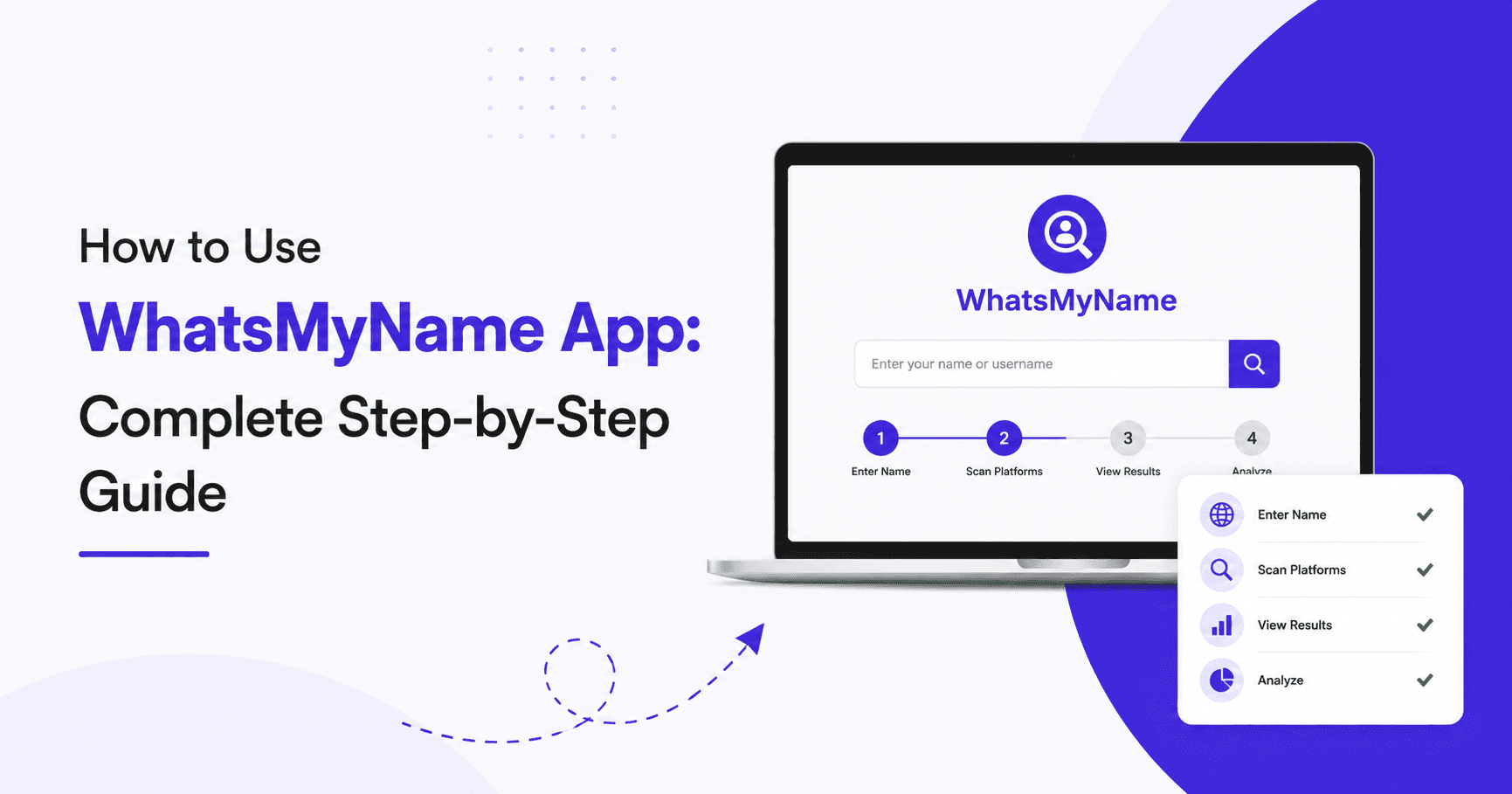
OSINTHow to Use WhatsMyName App: Complete Step-by-Step Guide
WhatsMyName App searches 732 platforms simultaneously and returns real-time results with direct links to every found profile. The basic search…