Best Free OSINT Username Search Tools in 2026 (Ranked and Reviewed)
The best free OSINT username search tools in 2026 ranked and compared. Find usernames across hundreds of platforms instantly, no install, no signup required.
By Ayan Malik · Builder and writer, WhatsMyName App
The best free OSINT username search tool available right now is WhatsMyName App. It checks 732 platforms simultaneously in your browser with no install and no signup required. But depending on what you are trying to accomplish, other tools like Sherlock, Maigret, and Blackbird each have situations where they perform better.
This guide ranks and reviews the six best free username search tools in 2026, explains what each one actually does, and tells you exactly which one to use based on your situation.
What is a username search tool and why does it matter for OSINT
A username search tool checks whether a specific username is registered across multiple websites at once. Instead of manually visiting Instagram, then Reddit, then GitHub, then hundreds more platforms one by one, a username search tool does all of that in a single query and returns direct links to every found profile.
For OSINT investigators, this is often the first step in any investigation. According to research cited by OSINT Framework, one of the most referenced directories in the open-source intelligence community, a username is one of the most stable identifiers a person maintains online. People change email addresses, move houses, and switch phone numbers. Most people keep the same username across platforms for years because it is tied to their reputation, their gaming history, and their social following.
Finding one account often leads to five more. Finding five leads to a complete digital footprint.
Username search tools exploit this consistency. Enter a handle and get a map of everywhere that person exists online. If you are new to this practice, read our beginner guide to what OSINT is before starting.
The 6 best free OSINT username search tools in 2026
1. WhatsMyName App, Best for browser-based lookup
Platforms checked: 732 Install required: No Open source: Yes Best for: Quick lookups, beginners, anyone without technical setup
WhatsMyName App is the fastest way to search usernames without touching a terminal or installing anything. You open the site, enter a username, and results stream back in real time as each platform is checked. The tool runs 20 parallel checks at a time and covers all 732 platforms in under 90 seconds.
The database is maintained as an open-source project on GitHub by WebBreacher, Micah Hoffman, who created the original WhatsMyName dataset and is one of the most respected figures in the OSINT community. The dataset is community-maintained and regularly updated with new platforms.
Coverage includes social media, gaming, coding communities, forums, dating platforms, finance sites, music, video, and more. Every confirmed result is a clickable link that opens the live profile directly. You can export all found accounts to a CSV file in one click when the scan completes.
Nothing is stored. The search runs in your browser session and disappears when you close the tab. No account is required.
This is the tool to start with. It covers the widest range of everyday platforms, requires zero setup, and works on any device including mobile.
Where it falls short: WhatsMyName App confirms whether a username exists at a public URL. It does not extract profile data, pull follower counts, or analyse posting activity. For deeper profile enrichment you need Maigret or Blackbird.
Run a username search now with WhatsMyName App →
2. Sherlock, Best for command-line users
Platforms checked: 400+ Install required: Yes (Python) Open source: Yes Best for: Investigators comfortable with a terminal, batch username searches
Sherlock is the tool that brought username enumeration into mainstream security research. It is a Python command-line tool that checks around 400 platforms for a given username and outputs results to a text file, CSV, or XLSX. You can search multiple usernames in a single run, which makes it useful for batch investigations.
To use Sherlock you need Python installed and basic comfort with running commands in a terminal. Installation is: pip install sherlock-project. Once installed, you run sherlock username and results appear in your terminal and are saved to a file automatically.
Sherlock supports Tor and proxy use for investigators who need to anonymise their searches. Output is structured and feeds cleanly into other OSINT workflows and reporting tools.
Where it falls short: Sherlock covers around 400 platforms, roughly half of what WhatsMyName App covers. It requires Python and command-line knowledge that many users do not have. If you want a direct comparison of both tools, read our WhatsMyName App vs Sherlock breakdown.
3. Maigret, Best for deep investigations
Platforms checked: 3,000+ Install required: Yes (Python) Open source: Yes Best for: Professional OSINT investigators, comprehensive digital footprint mapping
Maigret started as a fork of Sherlock and has grown into the most thorough username search tool available. It checks over 3,000 platforms, more than four times what Sherlock covers and more than four times what WhatsMyName App covers.
Beyond confirming whether a username exists, Maigret parses profile data where available. It can pull profile pictures, bios, linked accounts, and other public data from found profiles. It also performs recursive searches, when it finds a profile, it can extract any linked usernames from that profile and search for those too, building a progressively wider map of the subject's online presence.
Maigret is installed via pip: pip install maigret. Reports can be exported in multiple formats including HTML, PDF, and JSON.
Where it falls short: Maigret is slow. Checking 3,000 platforms takes significantly longer than a 732-platform WhatsMyName App search. It is the most technically demanding tool on this list. For a quick lookup it is overkill. For a thorough professional investigation it is the strongest option available.
4. Namechk, Best for brand availability checking
Platforms checked: ~100 Install required: No Open source: No Best for: Checking whether a brand name or username is available before registering
Namechk is a browser-based tool that checks whether a username is available across around 100 social media platforms and domain names. Unlike the other tools on this list, Namechk is designed for availability checking. It is used primarily by brands, content creators, and businesses who want to register a consistent username across platforms before launching.
It shows which usernames are available and which are taken with colour-coded results. No account is required for basic use.
Where it falls short: Namechk covers around 100 platforms, which is a fraction of what WhatsMyName App covers. It is designed for availability checking, not OSINT investigation. It does not provide direct links to found profiles and is not useful for tracking a person's presence across the web.
5. Blackbird, Best for profile enrichment
Platforms checked: 600+ Install required: Yes (Python) Open source: Yes Best for: Investigators who need profile data alongside account discovery
Blackbird uses the WhatsMyName dataset as its base and adds profile data extraction on top. Where WhatsMyName App confirms that an account exists and gives you a link, Blackbird can also pull public profile information from certain platforms and include it in a structured HTML report.
It supports email-based searching alongside username searching on some platforms, which makes it useful when you have multiple identifiers to work with.
Where it falls short: Requires Python installation and command-line knowledge. Profile extraction only works on a subset of supported platforms. For pure speed and accessibility, WhatsMyName App is the faster and simpler option.
6. Enola, Fast Go-based alternative
Platforms checked: 407 Install required: Yes (Go binary) Open source: Yes Best for: Developers who want a fast compiled alternative to Python-based tools
Enola is a Go-based username search tool that works similarly to Sherlock but is compiled into a single binary. This makes it faster to deploy on systems where you do not want to manage Python dependencies. It checks around 407 platforms and exports results to CSV or JSON.
Where it falls short: Smaller platform coverage than WhatsMyName App or Maigret. Less community adoption means the database updates less frequently. Not suitable for beginners.
How to choose the right username search tool
The right tool depends entirely on your situation:
Use WhatsMyName App if you want results in under 2 minutes with no setup. It works on any device, requires no install, and covers the most platforms of any browser-based tool. Start here. Learn more in our guide to finding social media accounts by username.
Use Sherlock if you are comfortable in a terminal and need batch searching. You can feed it a list of usernames and get structured output files. Useful when investigating multiple identities in a single session.
Use Maigret if you are running a professional investigation and need the most thorough coverage possible. 3,000+ platforms and recursive searching make it the most powerful free option available. Accept that it will take longer to run.
Use Namechk if you are checking username availability for a new brand or project. It is not an OSINT tool but it is the best tool for this specific use case.
Use Blackbird if you want WhatsMyName-level coverage with richer output. Good for investigators who need more than just a list of profile URLs.
Use Enola if you are a developer deploying a compiled binary. Slightly faster than Sherlock in execution but smaller coverage.
Comparison table, all 6 tools
| Tool | Platforms | Install needed | Browser-based | Open source | Best for |
|---|---|---|---|---|---|
| WhatsMyName App | 732+ | No | Yes | Yes | Quick lookups, beginners |
| Sherlock | 400+ | Yes (Python) | No | Yes | Batch searches, CLI |
| Maigret | 3,000+ | Yes (Python) | No | Yes | Deep investigations |
| Namechk | ~100 | No | Yes | No | Brand availability |
| Blackbird | 600+ | Yes (Python) | No | Yes | Profile enrichment |
| Enola | 407 | Yes (Go) | No | Yes | Developers |
Which tool should a beginner use
Start with WhatsMyName App. It requires nothing from you except a browser. You do not need to understand Python, Go, or command-line tools. You do not need an account. You do not need to read any documentation.
Open the tool, type a username, read the results. That is the entire process. If you need more depth after that, more platforms, profile data, recursive searching, then graduate to Maigret or Blackbird. But for the vast majority of searches, WhatsMyName App is sufficient.
Try WhatsMyName App free, no signup required →
Frequently asked questions
What is the best free username search tool in 2026? WhatsMyName App is the best free browser-based option, covering 732 platforms with no installation required. For deeper investigations, Maigret covers over 3,000 platforms but requires Python and runs from the command line.
Are username search tools legal to use? Yes, in most jurisdictions. These tools only check publicly accessible profile URLs, the same pages anyone could visit manually in a browser. They do not bypass authentication or access private data. Using results to harass, stalk, or harm someone is illegal regardless of the tool used.
How accurate are username search tool results? Results depend on the tool and the platform. WhatsMyName App uses both a success pattern and a miss pattern for each platform to reduce false positives. Error results occur when a platform is temporarily down or has changed its URL structure. Confirmed results are highly reliable.
Can these tools find deleted accounts? No. All of these tools check live public URLs in real time. If an account has been deleted, the URL returns a not-found response and the tool marks it accordingly. For deleted account research you would need to check the Wayback Machine separately.
What is the difference between WhatsMyName App and Sherlock? WhatsMyName App is browser-based and requires no installation. Sherlock runs from the command line and requires Python. WhatsMyName App covers 732 platforms. Sherlock covers around 400. Read the full breakdown in our WhatsMyName App vs Sherlock comparison.
Do I need technical skills to use these tools? Not for WhatsMyName App. It works in any browser on any device. Sherlock, Maigret, Blackbird, and Enola all require command-line knowledge and Python or Go installation. Start with WhatsMyName App if you are not a technical user.
Next steps
If you are new to username search, start with WhatsMyName App and run your first search. Then read our guide to username OSINT methodology to understand how to build on what you find. For the full directory of OSINT tools beyond username search, visit our OSINT tools hub.
Written by
Ayan MalikBuilder and writer, WhatsMyName App
Ayan Malik builds and maintains the username search interface on this site, and writes the guides published here on OSINT, username research and digital privacy.
More from Ayan MalikTry the username lookup tool
Search 732+ platforms in seconds, free, no sign-up required.
WhatsMyName AppRelated Posts
 OSINT
OSINTHow to Search a WhatsApp Username (And What Actually Works)
WhatsApp launched usernames in 2026 with no public directory and no search, on purpose. Here is what a WhatsApp handle really tells you, and what works instead.
 OSINT
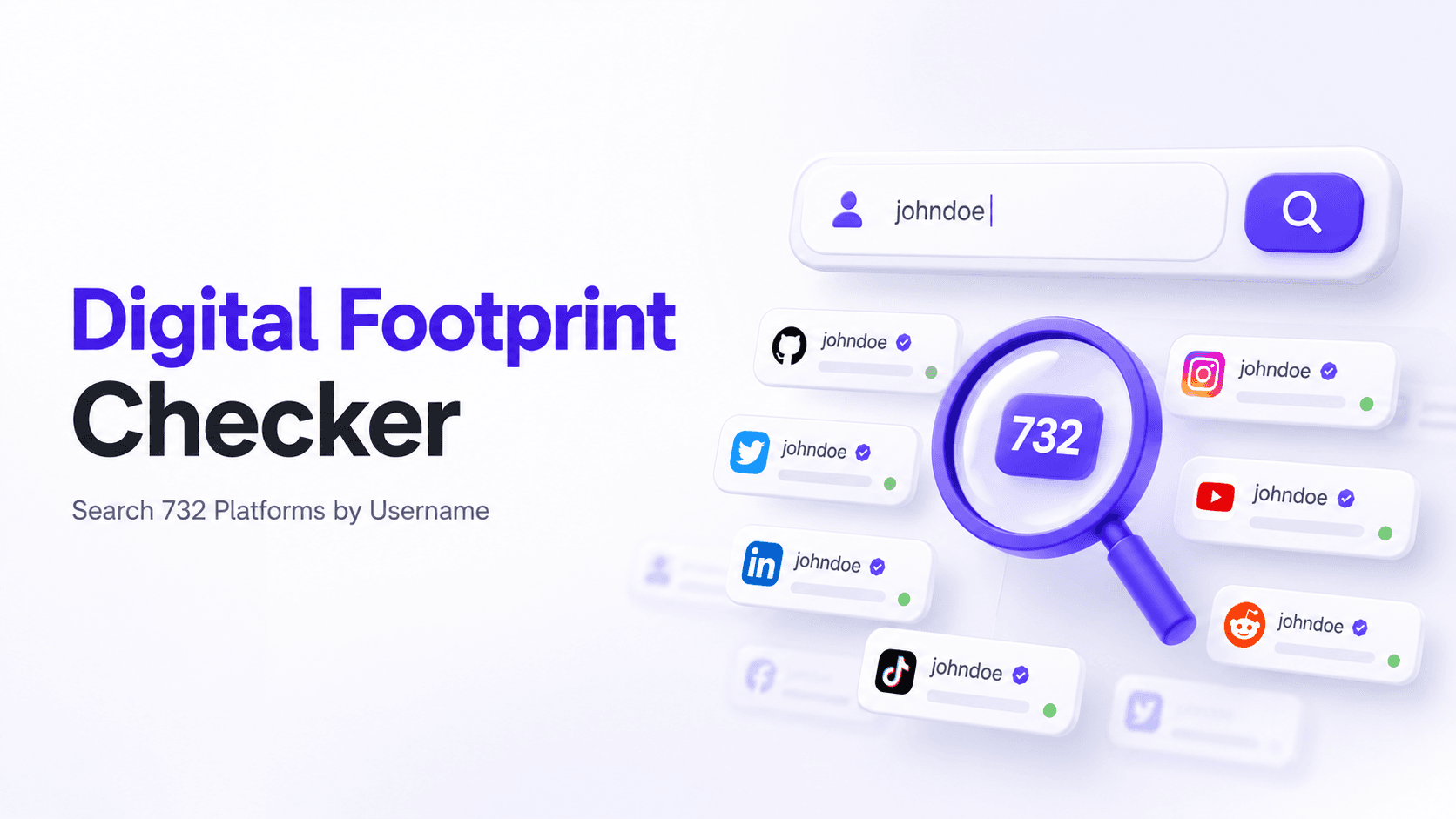
OSINTFree Digital Footprint Checker: Search 732 Platforms by Username
Check your digital footprint free by username. WhatsMyName App scans 732 platforms and shows every account registered under your handle in under 90 seconds.