Free Digital Footprint Checker: Search 732 Platforms by Username
Check your digital footprint free by username. WhatsMyName App scans 732 platforms and shows every account registered under your handle in under 90 seconds.
By Ayan Malik · Builder and writer, WhatsMyName App
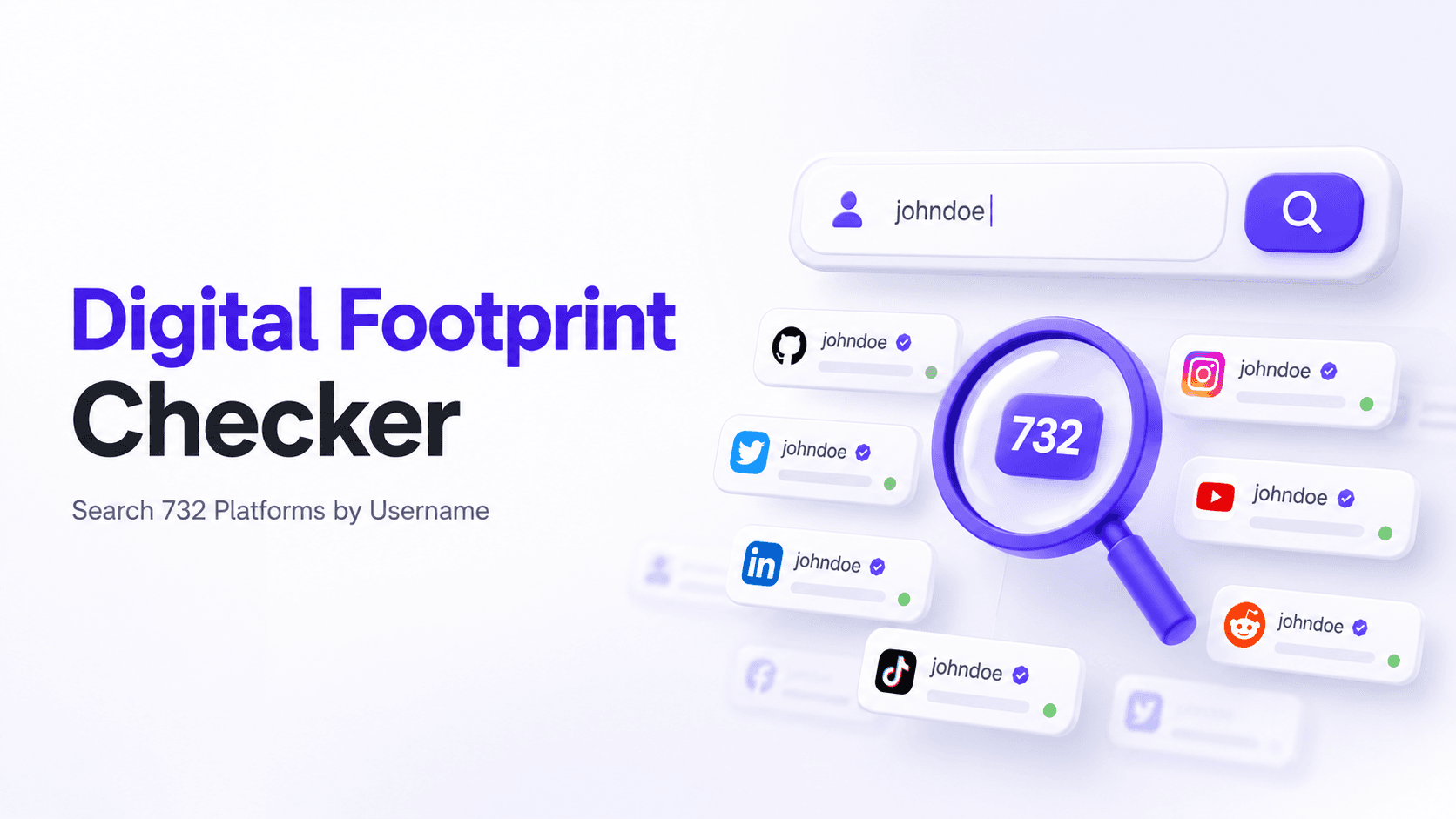
A digital footprint checker is a tool that finds information about you that exists publicly online. The fastest free option available right now is WhatsMyName App. It searches 732 platforms simultaneously using your username and returns direct links to every found account in under 90 seconds. No email required, no signup, no payment.
Most digital footprint checkers ask for your email address and focus on data broker exposure. WhatsMyName App takes a completely different approach, it searches by username, which surfaces a part of your footprint that email-based tools miss entirely.
What a digital footprint checker does
A digital footprint checker finds information about you that exists publicly online, accounts you have created, content you have posted, mentions across platforms, and data that has been collected about you without your direct involvement.
The challenge is that your digital footprint is scattered. It lives on dozens of platforms you have signed up for over the years, in forum posts you wrote a decade ago, in profiles you created and forgot about, and in data broker databases that aggregated your public information without you ever interacting with them directly. Some of those databases are free for anyone to search, which is why it is worth knowing how to remove yourself from TruePeopleSearch and similar people-search sites.
No single tool surfaces everything. Different checkers find different parts of the picture depending on what they search and how they search it. Understanding which type of checker finds what is the key to getting a complete view of your footprint.
Username-based vs email-based footprint checking
This is the most important distinction to understand before choosing a tool.
Email-based checkers, tools like Aura, Incogni, and Bitdefender Identity Protection, use your email address to find data broker listings, dark web exposures, and platform registrations associated with that email. They are excellent for understanding what data brokers have collected about you and whether your email credentials have been compromised.
Username-based checkers, tools like WhatsMyName App, use your username to find active profiles across hundreds of platforms simultaneously. They surface accounts you have registered across social media, gaming, forums, coding platforms, and dozens of other categories. They find active, live profiles rather than data broker records.
The two approaches find different things. Email-based checkers find where your personal data has been collected. Username-based checkers find where your identity is actively present online.
For a complete picture of your digital footprint you should use both. For the fastest, most immediately actionable results, finding and managing your actual active accounts, start with username-based search.
How to check your digital footprint by username, free
WhatsMyName App is the most comprehensive free username-based footprint checker available. Here is how to use it.
Step 1. Open WhatsMyName App
Go to WhatsMyName App in any browser on any device. No account needed. The tool loads immediately.
Step 2, Enter your username
Type your primary username, the handle you use most consistently across platforms. This is the username most likely to surface the largest number of your accounts.
If you use different usernames across different platforms, run separate searches for each one. Start with the username you have used the longest.
Step 3. Run the search
Click Search. The tool checks all 732 platforms in parallel, running 20 simultaneous checks at a time. Results appear as they arrive, you do not need to wait for all platforms to be checked before reading your results.
The full scan completes in 30 to 90 seconds depending on your connection speed.
Step 4, Review your results
Every confirmed result is a clickable link that opens the live profile directly. Go through each one:
- Is this account still active or effectively abandoned?
- Does it contain information you want to keep, update, or remove?
- Is it set to public when it should be private?
- Is it a platform you have no memory of registering on?
Pay particular attention to old accounts with outdated information, old profile photos, previous locations, former employers, or personal details you would no longer want publicly visible.
Step 5, Export your results
When the scan completes, export all confirmed results to a CSV file. This gives you a complete working list of every found account that you can work through systematically.
Check your digital footprint now, free →
What the results tell you
Volume of results
The number of platforms where your username appears tells you a lot. Ten confirmed results suggests a fairly contained footprint. Fifty confirmed results suggests years of platform signups and a much more extensive public presence.
Neither is inherently good or bad, but more results means more to review, more to potentially clean up, and more exposure to data breaches on platforms you may have forgotten about.
Categories of results
WhatsMyName App categorises results by platform type. The categories where your username appears tell you something about your online history:
- Heavy social media presence, you have invested time in public-facing accounts where your content and activity are visible to anyone
- Gaming platform results, you have a gaming history that may include years of activity, friends lists, and community memberships
- Developer platform results, your professional or technical work is publicly visible and associated with your username
- Forum results, you have participated in community discussions that may include candid personal disclosures
Direct links to live profiles
Every confirmed result links directly to the live profile. This lets you immediately assess what each account shows publicly, what information is visible, when it was last active, and what content is associated with it.
This is the most actionable part of the results. Rather than just knowing an account exists, you can see exactly what anyone searching your username would find on each platform.
How to reduce your digital footprint after checking
Finding your footprint is the first step. Reducing it requires working through what you found.
Delete accounts you no longer use
Every old account you leave active is a liability. It is associated with potentially outdated personal information, it may use a weak password from years ago, and it is vulnerable to data breaches on that platform without you even knowing the account still existed.
For each account you want to close, log in using the registered email and password, use your email's password reset feature if you no longer remember the credentials, and find the account deletion option in settings. Most platforms place this under Account Settings, Privacy Settings, or a dedicated Security section.
Work through your exported CSV systematically, marking each account as kept, updated, or deleted.
Update information on active accounts
For accounts you want to keep, review what information is publicly visible:
- Profile photo, is it still appropriate and current?
- Bio or about section, does it still accurately reflect who you are?
- Location information, is it more specific than you want to share publicly?
- Contact information, is your email, phone number, or other contact visible to anyone?
- Linked accounts, does the profile link to other accounts you would rather not connect publicly?
Update anything that does not reflect how you want to present yourself today.
Adjust privacy settings
Most platforms default to maximum visibility. A profile you created without adjusting settings is probably more public than you intended. For each active account you want to keep, review:
- Who can see your posts and profile
- Who can search for you by name or username
- Who can see your followers and following lists
- What information appears in search results
Most platforms allow significant control over these settings once you locate them. The time investment is usually 5 to 10 minutes per platform.
Secure accounts you are keeping
For every active account you plan to continue using:
- Check that the password is strong and unique, not reused from another platform
- Enable two-factor authentication if the platform supports it
- Check the list of active sessions or connected apps and remove anything unfamiliar
- Update the recovery email and phone number if they are outdated
Old accounts with weak passwords and no two-factor authentication are the most common entry point for account takeovers.
Other free footprint checking tools worth knowing
WhatsMyName App covers the username-based portion of your footprint comprehensively. These tools cover other aspects:
Have I Been Pwned, checks whether your email address has appeared in known data breaches. Free at haveibeenpwned.com. Enter your email to find out which platforms have had your data exposed in a breach.
Google yourself. Search your name in quotation marks: "Your Full Name". Work through several pages of results. This surfaces mentions, articles, directory listings, and any content where your name appears publicly. Combine with your location or employer to narrow results.
Wayback Machine, archive.org lets you see historical versions of your own profiles and pages. Useful for finding content that was once public and has since been deleted but may still be accessible in archived form.
For a complete guide to using all three methods together, read How to Check Your Digital Footprint Online.
Digital footprint checkers compared
| Tool | What it finds | Cost | Requires signup |
|---|---|---|---|
| WhatsMyName App | Active accounts by username across 732 platforms | Free | No |
| Have I Been Pwned | Email addresses in data breaches | Free | No |
| Google search | Name mentions across all indexed pages | Free | No |
| Aura | Data broker records, dark web, identity monitoring | Paid | Yes |
| Incogni | Data broker listings and removal | Paid | Yes |
| DeleteMe | Data broker records and opt-out assistance | Paid | Yes |
The free tools cover the most immediately actionable aspects of your footprint. Paid tools are worth considering if you want ongoing monitoring and automated data broker removal, but for a one-time audit of your active online presence, the free combination of WhatsMyName App, Have I Been Pwned, and Google is sufficient.
How often should you check your digital footprint
At minimum, once a year. A lot can change in a year, new platforms emerge, data breaches expose old credentials, and content you posted years ago may surface in new contexts.
Before significant professional moments. Before a job application, a promotion, a speaking engagement, or any situation where someone is likely to research you, check what they will find.
After a major data breach. When a major platform announces a data breach, check whether you had an account there and what data was exposed. Have I Been Pwned will notify you if you sign up for alerts.
When your online presence changes significantly. If you have been actively creating content, joining new platforms, or participating in new communities, check how your footprint has grown.
After a relationship ends or a professional conflict occurs. In situations where someone may be motivated to search for negative information about you, knowing exactly what is publicly available lets you address anything concerning proactively.
Frequently asked questions
What is a digital footprint checker? A digital footprint checker is a tool that finds publicly available information about you online. Different checkers look at different aspects, username-based tools like WhatsMyName App find active profile accounts, email-based tools find data broker records and breach exposure, and search engines surface name mentions across all indexed pages.
Is there a completely free digital footprint checker? Yes. WhatsMyName App is completely free, no subscription, no signup, and no limit on searches. Have I Been Pwned is also free. Google search costs nothing. Together these three free tools cover the most important aspects of your digital footprint without any payment.
How is WhatsMyName App different from paid footprint checkers like Aura? WhatsMyName App searches by username and finds active public profiles across 732 platforms instantly. Paid services like Aura focus on data broker records, dark web exposure, and ongoing monitoring with alerts. They serve different purposes and find different information. WhatsMyName App is the better tool for finding and managing your active accounts. Paid services are better for ongoing identity monitoring.
Can a digital footprint checker find information I have deleted? WhatsMyName App only finds active, live profiles, if an account has been deleted, it will not appear in results. Google and the Wayback Machine may surface cached or archived versions of content that has since been deleted, but this is not guaranteed.
Does checking my own digital footprint affect my privacy? No. WhatsMyName App runs searches entirely within your browser session. Nothing you enter is stored on any server. Searching your own username leaves no trace and does not create any new public record of the search.
How many platforms does WhatsMyName App check? WhatsMyName App currently checks 732 platforms covering social media, gaming, coding communities, forums, dating sites, finance platforms, music and video services, tech communities, shopping, image hosting, blogs, news, and business networks.
What should I do if I find accounts I do not recognise? Click through to the profile and verify whether it belongs to you. You may have created it and forgotten. If you are certain the account is not yours, it could be someone else using the same username or, in rarer cases, an account created in your name. If the account appears to impersonate you, report it to the platform directly using their impersonation reporting process.
Related guides
Written by
Ayan MalikBuilder and writer, WhatsMyName App
Ayan Malik builds and maintains the username search interface on this site, and writes the guides published here on OSINT, username research and digital privacy.
More from Ayan MalikTry the username lookup tool
Search 732+ platforms in seconds, free, no sign-up required.
WhatsMyName AppRelated Posts
 OSINT
OSINTHow to Check Your Digital Footprint Online (Free, No Signup)
Check your digital footprint online for free using username search. See exactly which platforms have accounts under your name in under 90 seconds, no email required.
 OSINT
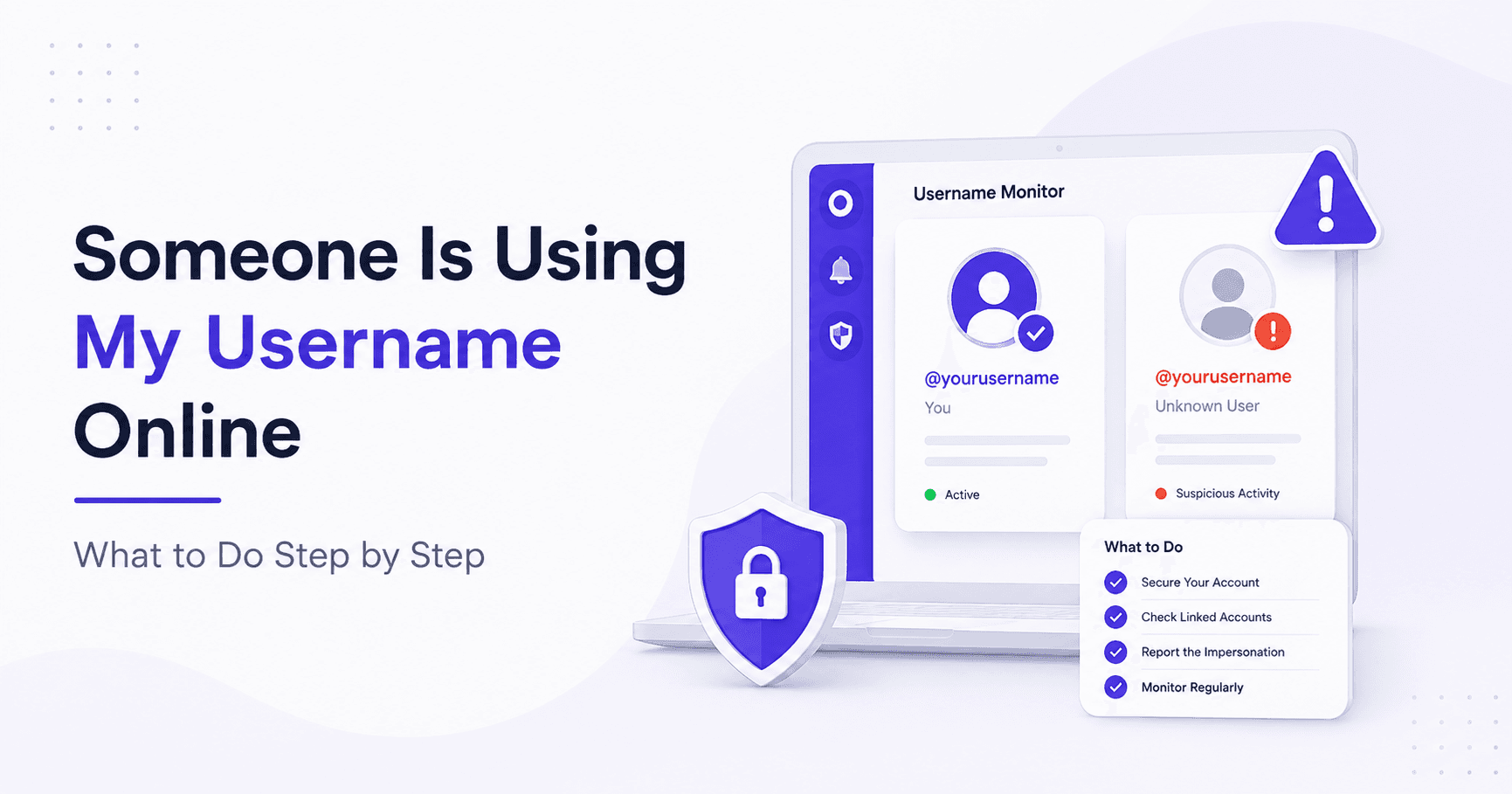
OSINTSomeone Is Using My Username Online: What to Do Step by Step
Finding out someone is using your username on social media or other platforms is unsettling. It may be harmless, someone who happened to…