How to Check Your Digital Footprint Online (Free, No Signup)
Check your digital footprint online for free using username search. See exactly which platforms have accounts under your name in under 90 seconds, no email required.
By Ayan Malik · Builder and writer, WhatsMyName App
Checking your digital footprint means finding every place your personal information, accounts, and activity exist online. The fastest free way to do this is to search your username across hundreds of platforms at once using WhatsMyName App, no email required, no signup, results in under 90 seconds.
Most guides on this topic tell you to Google your name or sign up for a paid monitoring service. Both approaches miss most of what is actually out there. This guide shows you three methods that actually work, starting with the one that finds the most in the least time.
What is a digital footprint
Your digital footprint is the collection of data that exists about you online, accounts you have created, content you have posted, information others have shared about you, and data that websites and services have collected passively in the background.
There are two types:
Active digital footprint, things you created intentionally. Social media profiles, forum posts, comments, blog content, photos you uploaded, accounts you registered.
Passive digital footprint, things created without your direct input. Cookies tracking your browsing, data brokers compiling your public records, websites logging your visits, apps collecting location data.
Most people dramatically underestimate the size of their active footprint. They remember the accounts they use daily but forget the dozens of platforms they signed up for over the years and never returned to. WhatsMyName App is the fastest way to surface those forgotten accounts.
Your username is the most searchable part of your footprint. Most people reuse the same handle across multiple platforms for years. This consistency makes username-based searching the most effective single method for mapping what exists online under your identity.
Why you should check your digital footprint
You have forgotten accounts you cannot remember. The average person has created accounts on dozens of platforms over their lifetime. Most of those accounts still exist, still show your username publicly, and may still contain personal information you would not want visible today.
Old accounts are security risks. Forgotten accounts often have weak passwords, no two-factor authentication, and outdated email addresses for recovery. When those platforms experience data breaches, your credentials are exposed without you even knowing the account still existed.
Employers and clients search for you. Anyone considering hiring you, working with you, or doing business with you will search your name and username online. What they find shapes their first impression before you ever speak.
Your information may have been shared without your knowledge. Data brokers, people-finder sites, and forum archives may contain information about you that you never posted yourself. Knowing what is out there is the first step to addressing it.
Method 1. Check your digital footprint by username (fastest)
This is the most effective method for finding accounts. It works because most people reuse usernames across platforms, and username search tools check hundreds of platforms simultaneously.
Step 1, Go to WhatsMyName App
Open WhatsMyName App in your browser. No account needed. Works on desktop and mobile.
Step 2, Enter your username
Type the handle you use most commonly online. If you use different usernames on different platforms, run a separate search for each one. Start with the username you have used the longest, that is where most of your oldest accounts will appear.
Step 3, Wait for results to stream in
The tool checks all 732 platforms in parallel. Results appear in real time as each platform responds. Green or confirmed results mean an account exists at that platform under your username. Red results mean no account was found. Error results mean the platform did not respond reliably.
The full scan completes in 30 to 90 seconds depending on your connection.
Step 4, Review what you find
Go through every confirmed result. Click the link to open the live profile and verify it is actually yours. Some platforms have multiple users with the same username, you need to confirm each one.
Pay particular attention to:
- Platforms you no longer use but still have accounts on
- Accounts with old profile pictures or information you would want updated or removed
- Platforms you do not recognise at all, these may be false positives or accounts you forgot creating
Step 5, Export your results
When the scan completes, export all found accounts to a CSV file. This gives you a reference list to work through when you start cleaning up old accounts or updating outdated information.
Check your digital footprint now with WhatsMyName App →
Method 2. Check your digital footprint using Google
Google search operators let you find information about yourself that standard searches miss. These are free and require nothing but a browser.
Search for your name in quotes:
"your full name", find any page that mentions your exact name
Combine name with location or employer:
"your full name" "city name", narrows results to the most relevant mentions
Search for your username across platforms:
"yourusername" site:reddit.com, find your Reddit activity specifically
"yourusername" site:twitter.com, find your Twitter mentions and profile
Search for your email address:
"[email protected]", find any page that has published your email address publicly
Search for your phone number:
"your phone number", find any directory or site that has listed it
Go through several pages of results for each search. What appears on page 3 of Google is still findable by anyone who looks.
Method 3, Check your email address for data breaches
Your email address is an identifier that reveals which platforms you have registered on and whether your data has been exposed.
Visit Have I Been Pwned, a free service that checks whether your email address has appeared in known data breaches. Enter your email and it tells you which breaches included your data, what type of information was exposed, and when it happened.
This method is different from username search. It does not find all your accounts. It specifically tells you which accounts have had their data stolen. If your email appears in a breach for a platform you forgot you had an account on, that is a signal to find and delete that account.
What to do after checking your footprint
Delete accounts you no longer use
Old unused accounts are security liabilities. If you find accounts through WhatsMyName App that you no longer need, delete them rather than just abandoning them again.
Most platforms have a delete account option in settings. For platforms that make deletion difficult, the website JustDeleteMe rates how hard it is to delete accounts on hundreds of services and provides direct links to their deletion pages.
Update outdated information on active accounts
For accounts you want to keep, review the information stored on each one. Update old profile pictures, remove outdated location information, and check what is set to public versus private. Old information sitting publicly on platforms you rarely visit is part of your footprint whether you intended it to be or not.
Secure accounts you plan to keep
For any account you find that you want to keep active, check that it has a strong unique password and two-factor authentication enabled. Accounts with weak passwords from years ago are vulnerable, especially if those credentials have appeared in data breaches.
Search your username variations too
Many people use slight variations of their main username across different platforms, adding numbers, underscores, or different spellings. Run separate WhatsMyName App searches for each variation you have used over the years to make sure you have found everything.
How to reduce your digital footprint going forward
Checking your footprint is a one-time action. Managing it is an ongoing practice.
Before creating a new account anywhere, ask whether you actually need it. Every account you create becomes part of your footprint permanently, even after you stop using it. Create accounts only on platforms you genuinely intend to use.
Use unique usernames where privacy matters. If you use the same username everywhere, anyone can map your complete online presence in seconds. Using different usernames on platforms where you want privacy, dating apps, health forums, support communities, limits how easy it is to connect your identities.
Review your privacy settings on active social accounts. Most platforms default to public visibility. Check who can see your posts, who can search for you, and what information appears on your public profile. Adjust settings to match what you actually want visible.
Set a reminder to check your footprint regularly. Run a WhatsMyName App search on your main username every six months. New platforms are added to the database constantly. An account you had no idea existed might surface in a future scan.
Frequently asked questions
What is the fastest way to check my digital footprint? Search your username using WhatsMyName App. It checks 732 platforms simultaneously and returns results in under 90 seconds with no signup required. This finds far more than a Google search of your name because it checks platforms directly rather than relying on what Google has indexed.
Do I need to pay to check my digital footprint? No. WhatsMyName App is completely free. The Google search operator method is free. Have I Been Pwned is free. You do not need to pay for a digital footprint check unless you want ongoing automated monitoring with alerts, which paid services like Aura or Incogni provide.
Can I check someone else's digital footprint? You can search any username or name using these methods. All the information these tools return is publicly accessible, the same information anyone could find manually by visiting each platform. The tools simply make the search faster and more comprehensive.
What if I find an account I did not create? If a username search returns accounts you did not create, those may belong to other people with the same username. Verify by clicking through to the profile. If you find an account that appears to impersonate you or use your identity without your permission, contact the platform directly to report it.
How often should I check my digital footprint? Run a username search every six months. Run a Google name search before any significant professional event, job application, speaking engagement, media interview. Check Have I Been Pwned whenever you hear about a major data breach affecting a platform you have used.
Is checking my digital footprint legal? Yes. All of these methods only access publicly available information. Using the results to harm, stalk, or harass someone is illegal, but checking your own footprint or researching public information for legitimate purposes is lawful in most jurisdictions.
Related guides
Written by
Ayan MalikBuilder and writer, WhatsMyName App
Ayan Malik builds and maintains the username search interface on this site, and writes the guides published here on OSINT, username research and digital privacy.
More from Ayan MalikTry the username lookup tool
Search 732+ platforms in seconds, free, no sign-up required.
WhatsMyName AppRelated Posts
 OSINT
OSINTHow to Search a WhatsApp Username (And What Actually Works)
WhatsApp launched usernames in 2026 with no public directory and no search, on purpose. Here is what a WhatsApp handle really tells you, and what works instead.
 OSINT
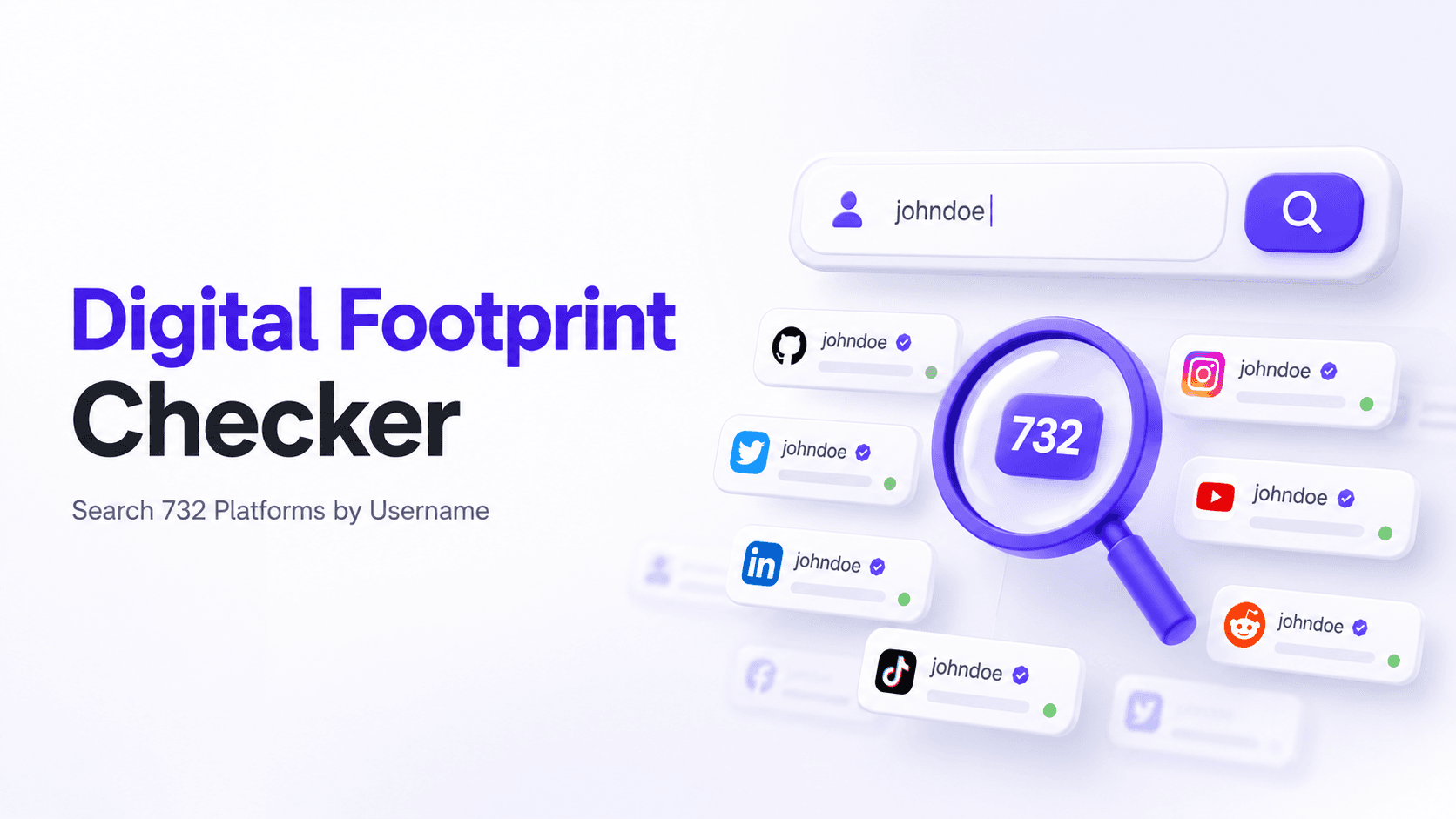
OSINTFree Digital Footprint Checker: Search 732 Platforms by Username
Check your digital footprint free by username. WhatsMyName App scans 732 platforms and shows every account registered under your handle in under 90 seconds.