Rockstar Account Hacked? How to Get It Back, Step by Step
Rockstar account hacked or email changed? The recovery link Rockstar sends, what its support form asks for, and how to lock the account down afterwards.
By Ayan Malik · Builder and writer, WhatsMyName App
Quick answer: start with your email inbox, not with Rockstar. When the email address on a Rockstar Games account is changed, Rockstar says it sends a recovery link to the old address, and that clicking it rolls the change back.
In order:
- Secure your email account. Change its password first, from a device you trust.
- Search your old inbox for a message from
[email protected]with the subject "Rockstar Games Email Changed", and click the recovery link in it. - If you can still sign in, change your Rockstar password, turn on 2-Step Verification and check your linked accounts.
- If you can't sign in, use Rockstar's forgotten password tool, or send a support request and pick the option that matches, for example "Compromised Account".
The steps below come from Rockstar's own support and account safety pages, from PlayStation, Xbox, Microsoft and Steam, and from two security firms, all read on 23 November 2026. Where something is our own reasoning, we say so.
Which situation are you in?
| What you see | Where to start |
|---|---|
| You can still sign in, but something looks wrong | Step 3: change your password and turn on 2-Step Verification |
| Your password no longer works, but the email on the account is still yours | Step 4: the forgotten password tool |
| The email address on the account was changed | Step 2: the recovery link in your old inbox |
| The email was changed and you can't find the recovery link | Step 4: a support request sent from the old email address |
| You lost the email account as well | Step 1: recover the email account with your email provider first |
| You lost your authenticator app | The authenticator section near the end |
Rockstar gives three examples of suspicious activity to watch for: a change to your email address that you didn't authorize, a third-party connection you didn't authorize, and a login from a device you aren't familiar with.
Step 1: Secure your email account first
Password resets and the recovery link both arrive by email, so whoever controls your inbox controls the account. That is our reasoning for the order. PlayStation and Steam point the same way:
- PlayStation tells users who get an account change email that doesn't say PlayStation made the change: "Change the password on your email account."
- Steam says: "Steam accounts are commonly compromised after an associated email address is compromised."
If you can't get into the email account at all, Rockstar's instruction is to "contact your email provider's support team for assistance with recovery of your email account." Its example: if the address is a Gmail account that has been compromised, reach out to Google Support.
If you think the computer itself may be infected, scan it before you type any new password (see Step 5). Microsoft's advice for its own accounts is to "run a full scan on your PC before you change your password." Our suggestion: change passwords from a device you trust.
While you're there, turn on two-factor authentication for the email account. Rockstar's own guidance says the email on your account should have "a unique password connected to it" and 2FA enabled.
Step 2: Look for the "Rockstar Games Email Changed" message
This is the fix Rockstar's article gives for a changed email, and in our view it is easy to miss. The article says:
"Whenever the linked email address is changed, an email containing an account-specific recovery link is sent to the previous email address. Clicking that link will roll back the account change."
What to look for:
- Sender:
[email protected] - Subject: "Rockstar Games Email Changed"
- Where: Rockstar says to check "your inbox and any routing or spam folders"
Check the sender before you click anything. Rockstar says its emails "should only come from" these domains:
rockstargames.comnewsletter.rockstargames.comstore.rockstargames.comsupport.rockstargames.com
Then click the recovery link in that message to undo the email change, and go on to Step 3. Our reasoning: whoever changed the email may still know your password. If your old password no longer works, reset it with the forgotten password tool in Step 4 first.
Step 3: If you can still sign in, lock the account down
Rockstar's advice when you see signs of a break-in is direct: "change your password immediately and make sure to set up 2FA."
Change your password
Rockstar recommends a password of 8 to 30 characters, including one uppercase character and one number, and suggests using a password manager. Two of its rules matter most here:
- "Use a unique password for your Rockstar Games account."
- "Don't use your Rockstar Games password on any other site"
Turn on 2-Step Verification
Rockstar calls 2-Step Verification "the best way to secure your account." It works with an authenticator app on your phone or a browser-based one, and your account email has to be verified first. Rockstar's list of compatible apps includes Twilio Authy, Google Authenticator, Microsoft Authenticator and 1Password.
Once you have an authenticator app, Rockstar's steps are:
- Sign in at
rockstargames.com. - Select your account icon in the upper right, then Account, then Manage Account, then Security.
- Scan the QR code with the authenticator app. If you can't scan it, there is a Secret Key option.
- Enter the code from the app and your Rockstar password, then select Verify.
Rockstar also says to "link a Two Factor method that you will have access to long term", and to switch on cloud backup or syncing in the authenticator app if it offers that. Our reasoning: that helps if you lose the phone.
Check your linked accounts
Open the Connections page at rockstargames.com/account/connections, where PlayStation and Xbox links are managed, and look for a linked platform account that isn't yours. If you find one, the pages we read don't describe removing a console link yourself. Rockstar's guidance is to "Report any suspicious activity to Rockstar Support".
Rockstar says you receive a confirmation email when a PlayStation or Xbox account is linked. Our suggestion: search your inbox for linking emails you don't remember. One will only be there if the link was made while your email was still on the account.
If a PC platform account (Steam, Epic or the Xbox app on PC) was linked or changed, Rockstar handles those changes through a support request. Its policy says that after any PC link change "account owners are notified, and the account will have a cooldown period for any further link changes", and that support agents can't skip the cooldown. The policy page doesn't say how long the cooldown lasts.
Check your email and nickname
Both can be changed at rockstargames.com/account. Confirm the email is yours and that the nickname is the one you set. Two warnings from Rockstar before you change either: "If you change your email address, you may lose access to your previous support requests", and "Nicknames can only be changed once every 365 days". If you need to move to a new address, Rockstar says to pick one that you use regularly, that is not an .edu, work or school address, that is secured with 2-Step Verification, and that is on a well-known domain.
Step 4: If you can't sign in
Try the forgotten password tool
If the email on the account is still yours, use Rockstar's tool at signin.rockstargames.com/forgotten-password. Rockstar says the email is sent "if a Rockstar Games account exists for that email", and to check your spam or junk folders if nothing arrives.
Our reading: if nothing arrives at all, the email on the account may have been changed. Go back to Step 2.
Send a support request
At support.rockstargames.com, select Submit a Request, then Account, then Trouble signing into your account. The form asks "How did you lose access to your account?" and offers five options:
- Lost Access to Email
- Forgotten Email Address
- Compromised Account
- Lost Access to or Missing Authenticator App
- Authenticator App Error
Our reading: Compromised Account is the closest match for a break-in. Rockstar's email change article links to this same form for people who have lost access to their email, so use Lost Access to Email if that is your only problem.
We read the form on 23 November 2026 without submitting it. These are the details it asks for, so collect them before you start. We did not select an option either, so the form may ask for more once you choose one.
| The form asks for | Where to find it |
|---|---|
| Best email address to reach you | An address that was linked to the account before, if you still control one. Rockstar doesn't say on the pages we read how it checks which address a request comes from, so avoid a brand-new address here |
| Last email you used on the account | Old emails from Rockstar |
| Up to three previous emails used with the account | Old emails from Rockstar |
| Account nickname | Possibly in old emails from Rockstar |
| Country or region where the account was created | |
| When the account was created | Possibly your oldest email from Rockstar |
| When, if ever, you enabled 2-Step Verification | |
| Linked PSN Online ID | Your PlayStation profile |
| Linked Xbox Gamertag | Your Xbox profile |
The "where to find it" column is our suggestion. The form itself doesn't say.
Three points from Rockstar's own wording are worth following:
- Send the request from an email that was linked to the account. Rockstar says it "may be able to revert the Rockstar Games account to an email address that was previously linked" if you "submit a support request using the previously linked email address."
- If your Rockstar account is linked to Steam or Epic, confirm that account on the form. There are buttons for "Authenticate via Steam" and "Authenticate via Epic Games". Rockstar says confirming "may help recover your Rockstar Games account faster", and warns: "Not confirming your third-party account may prevent Rockstar Support from recovering your Rockstar Games account."
- Check your spelling. The form says: "Incorrect or misspelled information can prevent us from verifying your account."
What Rockstar says it can't do
Rockstar is clear about the limit. Its note reads:
"If there was no previous email address linked to the Rockstar Games account, or the request is submitted from an email address that was never linked to the Rockstar Games account, we cannot make changes to account details for security reasons."
In our view this is why Step 1 matters. If your old email account is recoverable, recover it first.
How long support takes
Rockstar's support site says "We're available to assist you 24/7." It doesn't publish a response time on the pages we read, so we won't give one.
Step 5: Scan the device you sign in on
Our reasoning: a new password doesn't help if something on your computer is recording it. Microsoft gives that advice directly, and Steam and Rockstar warn about the same risk.
- Microsoft says to "run a full scan on your PC before you change your password."
- Steam says: "Viruses, key loggers, spyware and other malicious code can steal your Steam Account name and password."
- Rockstar lists this under things not to do: "Don't download software from third-party sources, including cracked games".
That last point is timely. The security company ESET (13 November 2026) listed "Fake Rockstar, PlayStation, Xbox, or Steam login pages" among GTA VI scams, and Malwarebytes (18 November 2026) found fake "GTA 6" downloads. If you recently installed something that claimed to be GTA 6 for PC or phone, read our check of whether the GTA 6 APK is real.
Step 6: Secure the PlayStation, Xbox or Steam account linked to it
2-Step Verification on your Rockstar account doesn't cover everything. Rockstar explains:
"While 2-Step Verification protects your Rockstar Games account from changes, other linked accounts have the same privileges with regard to in-game changes."
Its recommendation is to turn on 2-Step Verification with each linked account provider as well. If the break-in may have come through the platform account, each platform has its own first steps:
| Platform | What the platform says |
|---|---|
| PlayStation | Change the password on your email account, then use its account recovery guide. If you can't change your sign-in method, contact PlayStation Support |
| Xbox | Xbox recommends "that you reset your password right away", with a password you don't use elsewhere. If you can't reset it, use the Microsoft account recovery webform |
| Steam | Steam says "you can recover your Steam Account by changing your password", and warns that accounts are "commonly compromised after an associated email address is compromised" |
We could not load Epic Games' help pages, so we have nothing verified to add for Epic beyond the authentication button on Rockstar's form.
Scams to watch for while you're locked out
Our caution: a locked-out player is an obvious target for anyone offering help. Rockstar names three ways attackers get account details: phishing emails, social engineering (contacting support and pretending to be you) and scam third-party services that ask for your account information.
- Don't share codes. Rockstar: "Don't share your Rockstar Games QR Code, PIN Code, or 2-Step Verification code with anyone".
- Don't post login details publicly. Rockstar: "Don't post your login information on any Support forums or social media for any reason".
- Don't hand your account to a third party. Rockstar says not to share your password with anyone, "regardless of whether or not you know the person".
- Don't buy a replacement account. Rockstar says buying third-party keys or accounts from other sellers is against its policy, and adds: "Should anything happen to your account, we are unlikely to be able to help you recover your account and game progress."
One term can mislead. A Rockstar support article lists account "recovery" next to "money lobbies" and account boosting among the things that trigger suspensions. In that list it sits with paid third-party services, so it does not mean getting a hacked account back.
Check your other accounts that use the same nickname
Our reasoning: if you used your Rockstar password anywhere else, those accounts are at risk too. The practical problem is remembering where.
If you use one nickname everywhere, a username search gives you a starting list. WhatsMyName App shows where a username is registered across hundreds of sites. Some matches may belong to other people, and it can't look up Rockstar accounts, but it gives you a list to go through so you can change the password on each account that is yours.
Our guide to searching yourself online covers the wider check. If someone is now posing as you with that nickname, see what to do when someone is using your username.
If you lost your authenticator app
Rockstar's article on this points you to the maker of the authenticator app, not to Rockstar. It links the support pages for Twilio Authy, Google Authenticator, Microsoft Authenticator and 1Password.
If that doesn't work, Rockstar's support form has two options for it: "Lost Access to or Missing Authenticator App" and "Authenticator App Error".
Once you're back in
A short checklist, all from Rockstar's guidance:
- A unique password, stored in a password manager
- 2-Step Verification on the Rockstar account, on the email account and on each linked platform account
- An email address you will keep, not a school or work address
- Regular updates for your operating system, browser and antivirus
- No software from third-party sources, including cracked games
Frequently asked questions
How do I get my hacked Rockstar account back?
Secure your email account first, then look in your old inbox for an email from [email protected] with the subject "Rockstar Games Email Changed" and click its recovery link. If the email was not changed, use the forgotten password tool. If neither works, send a support request under Account, "Trouble signing into your account".
What if the hacker changed the email on my Rockstar account?
Rockstar sends a recovery link to the previous email address whenever the linked email is changed. Rockstar says clicking that link "will roll back the account change." Check your spam folder too.
What if I no longer have access to my Rockstar email?
Rockstar says to contact your email provider to recover the email account. If you still control a different address that was linked to the account earlier, Rockstar Support "may be able to revert" the account to it when the request comes from that address. If no previously linked address is available, Rockstar says it "cannot make changes to account details for security reasons."
How long does Rockstar Support take to respond?
Rockstar doesn't publish a response time on the support pages we read. Its site says support is available 24/7.
Can I recover an old Social Club account?
Every Rockstar support page we read uses the name "Rockstar Games account", and none uses "Social Club". The recovery link, the forgotten password tool and the support form described here are the options those pages give for sign-in problems.
What authenticator app does Rockstar use?
Rockstar works with third-party authenticator apps. Its list of compatible apps includes Twilio Authy, Google Authenticator, Microsoft Authenticator and 1Password.
Does 2-Step Verification protect my GTA Online character?
Not fully, on our reading. Rockstar says 2-Step Verification protects the Rockstar account from changes, but linked platform accounts "have the same privileges with regard to in-game changes." Turn on 2-Step Verification for your PlayStation, Xbox, Steam or Epic account as well.
How do hackers get into Rockstar accounts?
Rockstar names three methods: phishing emails that pretend to come from Rockstar, social engineering where someone contacts support pretending to be you, and scam third-party services that ask for your account details.
Can Rockstar recover my account without any of my old emails?
Rockstar says that if no previous email was linked, or the request comes from an address that was never linked to the account, it "cannot make changes to account details for security reasons."
Related guides
- Is the GTA 6 APK real?
- How to search yourself online
- Someone is using my username online: what to do
- How to find fake accounts using your name or photo
WhatsMyName App is built on the open-source, community-maintained WhatsMyName dataset.
Written by
Ayan MalikBuilder and writer, WhatsMyName App
Ayan Malik builds and maintains the username search interface on this site, and writes the guides published here on OSINT, username research and digital privacy.
More from Ayan MalikTry the username lookup tool
Search 732+ platforms in seconds, free, no sign-up required.
WhatsMyName AppRelated Posts
 Privacy
Is the GTA 6 APK Real? No, GTA 6 Isn't on Android or iPhone
No. GTA 6 is only on PS5 and Xbox Series X|S, so no GTA 6 APK is the real game. What researchers found, and what to do if you installed one.
 OSINT
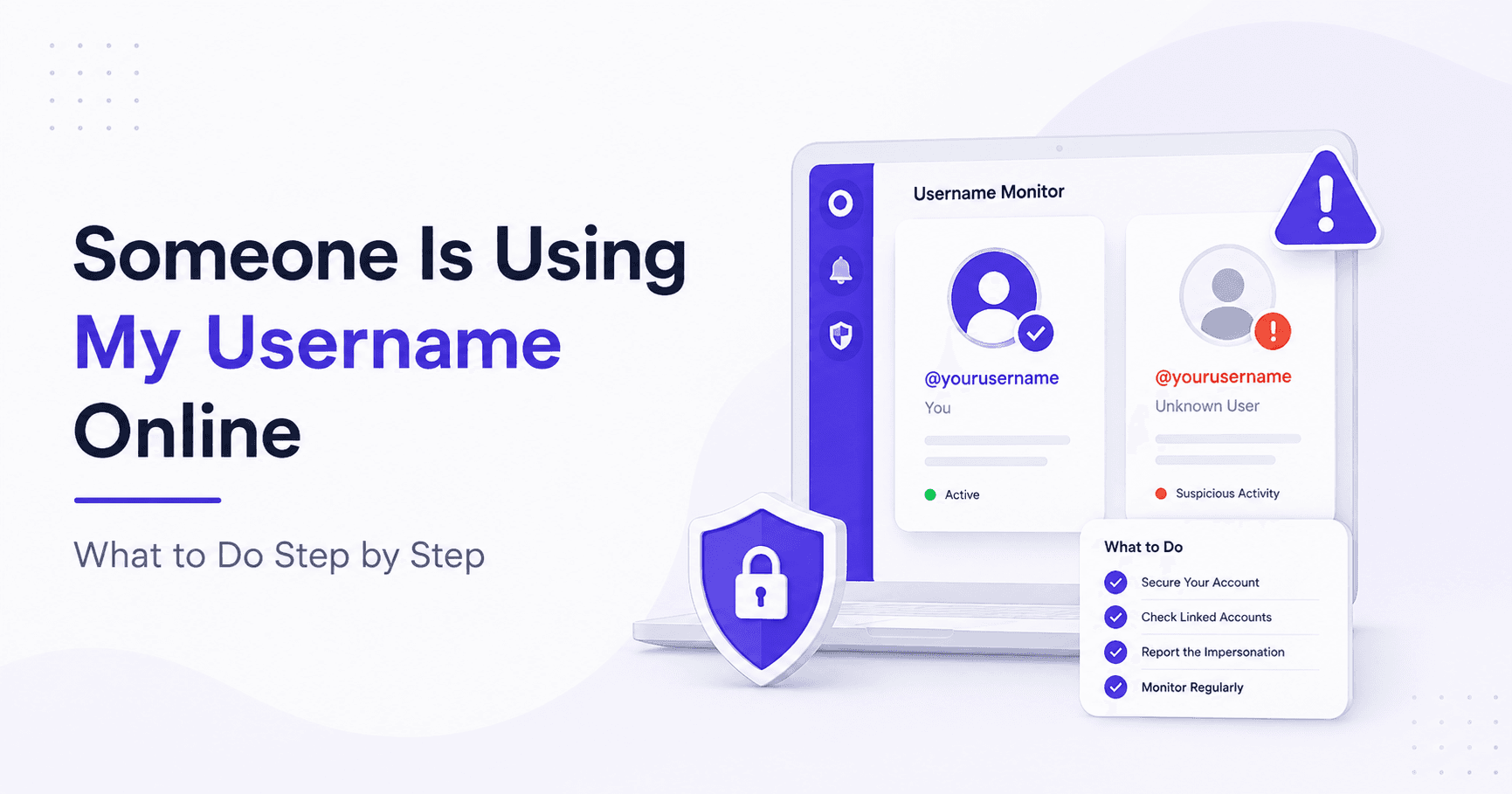
Someone Is Using My Username Online: What to Do Step by Step
Finding out someone is using your username on social media or other platforms is unsettling. It may be harmless, someone who happened to…