Can You See Who Viewed Your VSCO? What VSCO Actually Shows
No, VSCO doesn't show who viewed your profile. What Insights count, which actions notify people, what VSCO says about screenshots, and what's public.
By Ayan Malik · Builder and writer, WhatsMyName App
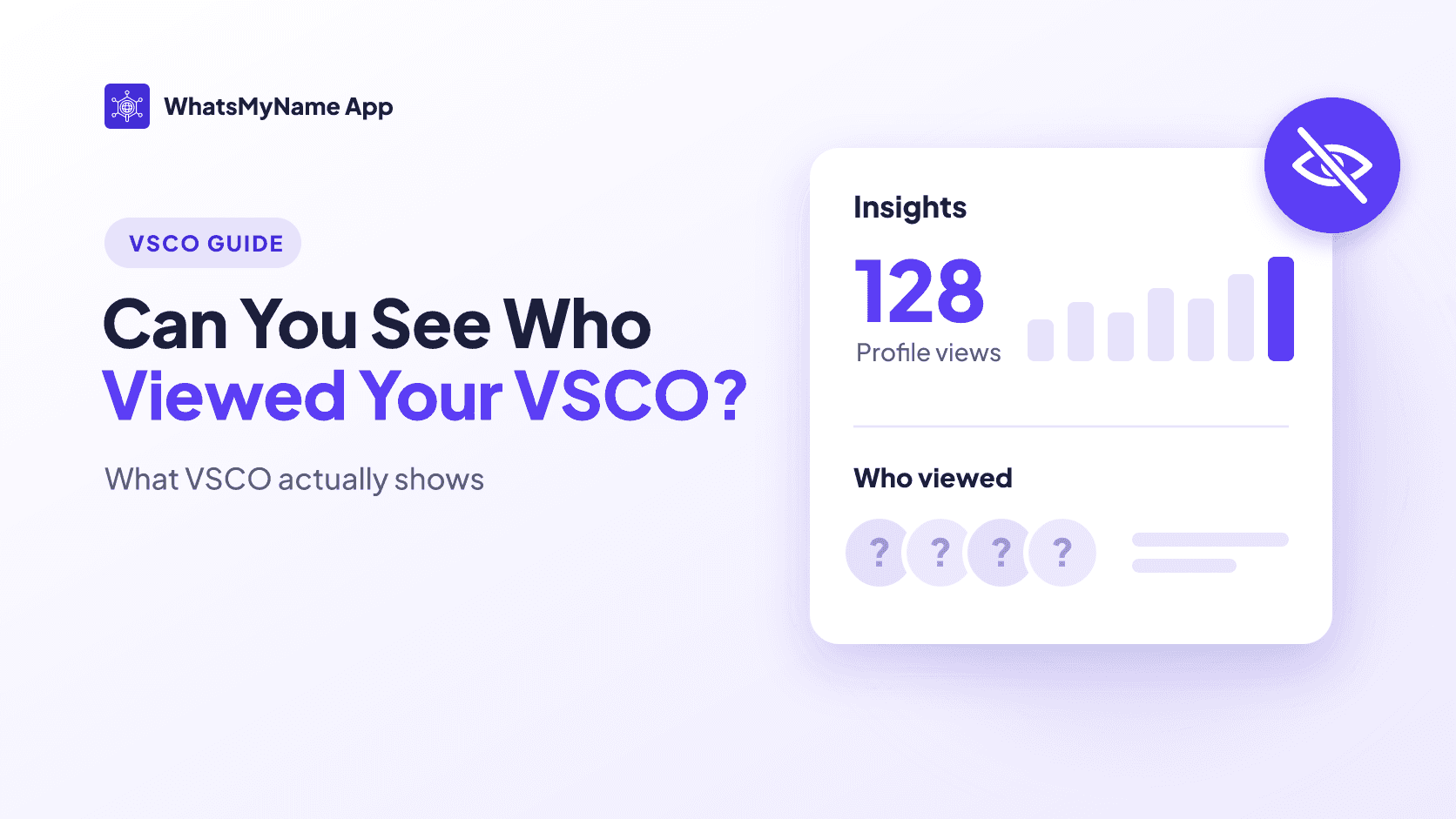
Quick answer: no. VSCO's help pages describe no feature that shows who viewed a profile or photo, or who searched for someone. Paid VSCO One and Pro members get Insights, which count profile views and image views, but VSCO describes those as numbers and trends, private to the member, not a list of names.
A few things on VSCO do tell the other person, or are public:
- Favoriting their image sends them a notification, and only they can see who favorited it.
- Following them sends a notification.
- Reposting their image puts it in your public Reposts, where anyone can see it.
Viewing a profile, opening a photo and searching a username are not on that list.
What the other person can and can't see
Here is what VSCO's help center says about each action. "Not documented" means VSCO's help pages don't mention it either way.
| What you do | Does the other person find out? |
|---|---|
| View their profile | No viewer names are described. One and Pro members see a profile view count in Insights |
| Open one of their photos | No viewer names are described. One and Pro members see an image view count in Insights |
| Search their username | No feature for this is documented |
| Take a screenshot | VSCO says a creator "may not be notified" |
| Favorite their image | Yes, they get a notification, and only they see who favorited |
| Unfavorite it | No notification |
| Repost their image | It shows in your Reposts, which are public. A notification is not documented |
| Follow them | Yes, they get a notification |
| Message them | They receive the message. Read receipts are not documented |
| Block or unblock them | No notification either way |
What VSCO Insights actually show
Insights are VSCO's stats page for creators. They are only for VSCO One and Pro members. VSCO says members on the Plus plan don't get them.
VSCO's monthly overview covers:
- Profile views
- Image views
- Favorites
- Reposts
- Discussions
- Followers
There is also a Reach section with daily trends in profile views and new followers. VSCO's help center describes image views with the line "Who's stopping to admire your work?", but everything it describes is a count or a trend. Nowhere does it describe a list of the people behind those numbers.
Two more details from VSCO:
- The data is private. VSCO says Insights data is private to the member.
- No comparisons. VSCO says it doesn't rank your performance against other creators.
VSCO doesn't explain exactly how views are counted, for example whether a view counts when the visitor isn't signed in.
Can people tell if you search their VSCO?
VSCO's help pages describe no notification, history or Insights entry that tells someone you searched their username. The only visible trace VSCO describes is the profile view count in Insights, and only members who pay for One or Pro see it.
The same goes for clicking a link to someone's VSCO from Instagram or TikTok. VSCO's help pages describe profile views only as counts, never as names.
If you want to find someone's profile in the first place, see our guide to finding someone on VSCO.
Does VSCO notify when you screenshot?
VSCO's own answer is careful. Its help center says that "a creator may not be notified if you take a screenshot of their content", and suggests favoriting, adding to a Collection or sharing through VSCO as the preferred way to show appreciation.
VSCO doesn't say it never notifies, so we won't say it either. What it does make clear is that it would rather you use the built-in ways to save or share someone's work.
What other people can see about you
If you're asking because of your own privacy, these are the parts of VSCO that are public and private:
- Your profile is public. VSCO has no private profiles. Anything you post to your profile can be seen in the app and on vsco.co.
- Your Reposts are public. VSCO says anything you republish is public for anyone to view.
- Your favorites are quieter. When you favorite an image, only its owner sees that it was you. VSCO suggests favoriting over reposting if you'd rather keep things private.
- Some counts are hidden. VSCO says it doesn't publicly show how many people favorited your images, how many republished them, or your follower count.
- Your Studio is private. Photos you edit stay private until you publish them.
- Galleries and Spaces are separate. A Gallery is shared by link (Pro and One members can add a password), and private Spaces are invite-only and don't appear in search.
Your VSCO username is also part of a bigger picture. If you use the same handle on Instagram, TikTok and elsewhere, someone who finds one account can easily check the others. You can check where your username shows up with WhatsMyName App, or follow our guide to searching yourself online.
Apps that claim to show who viewed your VSCO
If you come across an app, browser add-on or website that promises to reveal who looked at your VSCO, be careful. Our reasoning: VSCO doesn't name viewers even to paying members, so an outside app has no source to get those names from. At best it guesses. At worst it is after your login.
- Never give your VSCO password to an app or site that isn't VSCO.
- If you already did, sign out of all devices. In the app, VSCO puts this under the Global Menu, then Settings, then Privacy & Data, then Sign out of all devices. On the web it is on your Account page, under Login & Security. Then change your password.
- If VSCO emails you that your account email was changed, its help center also recommends changing the password for your email account and turning on two-factor authentication there if it's available.
If someone is watching your VSCO too closely
You can't see who it is, but you can limit what they get.
- Block them. VSCO says a blocked person can't follow you, message you or join a Space you created, and they aren't told. VSCO's pages disagree on whether blocking also stops them viewing your profile: its blocking article says it does, its Discussions FAQ says it doesn't. Don't rely on blocking alone to hide your photos.
- Move sensitive photos off your profile. Use a password-protected Gallery or a private Space instead.
- Deactivate your profile. VSCO lets you deactivate just your profile and keep your account. Other members can no longer open it, and you can reactivate by signing back in.
If someone has set up an account pretending to be you, see what to do when someone is using your username. VSCO says its policies prohibit impersonation.
Frequently asked questions
Can you see who views your VSCO?
No. VSCO doesn't show the names of people who view your profile or photos. VSCO One and Pro members get Insights with profile view and image view counts, but not who the viewers were.
Can someone see if I viewed their VSCO?
Not by name. If they are a One or Pro member, your visit may be counted in their profile view count in Insights. VSCO describes no feature that shows them who you are.
Does VSCO notify when you screenshot?
VSCO says a creator "may not be notified" if you take a screenshot, and recommends favoriting or sharing through VSCO instead. It doesn't promise that screenshots are never detected.
Can you see who stalks your VSCO?
No. The closest thing is the profile view count in Insights for One and Pro members, which shows how many views you got, not who they came from. Be wary of any app that claims otherwise.
Does VSCO Pro show profile views?
Yes, as a number. Insights are included with VSCO One and Pro and show profile views, image views, favorites, reposts, discussions and followers. Plus members don't get Insights.
Can people see what I favorite on VSCO?
The owner of the image can. VSCO notifies them, and only they see who favorited it. Favorites aren't shown publicly the way Reposts are.
Does VSCO tell people when you follow them?
Yes. Following someone sends them a notification.
Related guides
- How to find someone on VSCO
- VSCO search: find any VSCO username
- How to search yourself online
- Someone is using my username online: what to do
WhatsMyName App is built on the open-source, community-maintained WhatsMyName dataset.
Written by
Ayan MalikBuilder and writer, WhatsMyName App
Ayan Malik builds and maintains the username search interface on this site, and writes the guides published here on OSINT, username research and digital privacy.
More from Ayan MalikTry the username lookup tool
Search 732+ platforms in seconds, free, no sign-up required.
WhatsMyName AppRelated Posts
 OSINT
How to Find Someone on VSCO (With or Without Their Username)
Find someone on VSCO by username, contacts or their other accounts, and why VSCO usernames can't have periods or underscores. Based on VSCO's own help pages.
 Privacy
How to Search Yourself Online and Check Your Online Presence
Check your online presence the way a stranger would: by name, username, photo and people search sites. Free tools, a step-by-step order, and what to fix first.